



Description
Product Overview
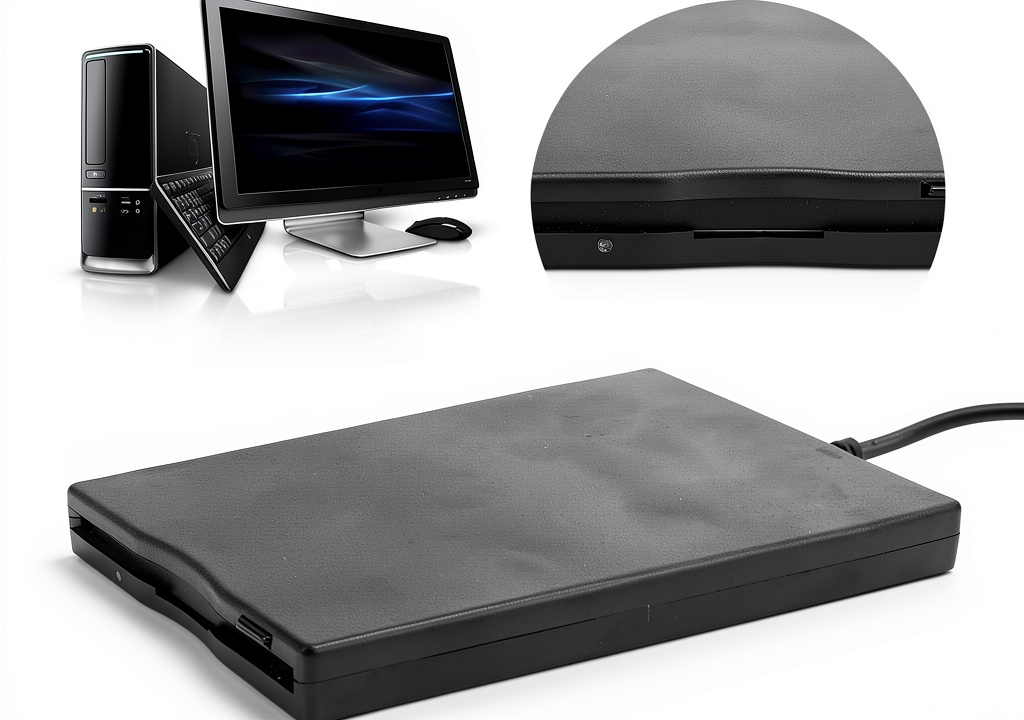
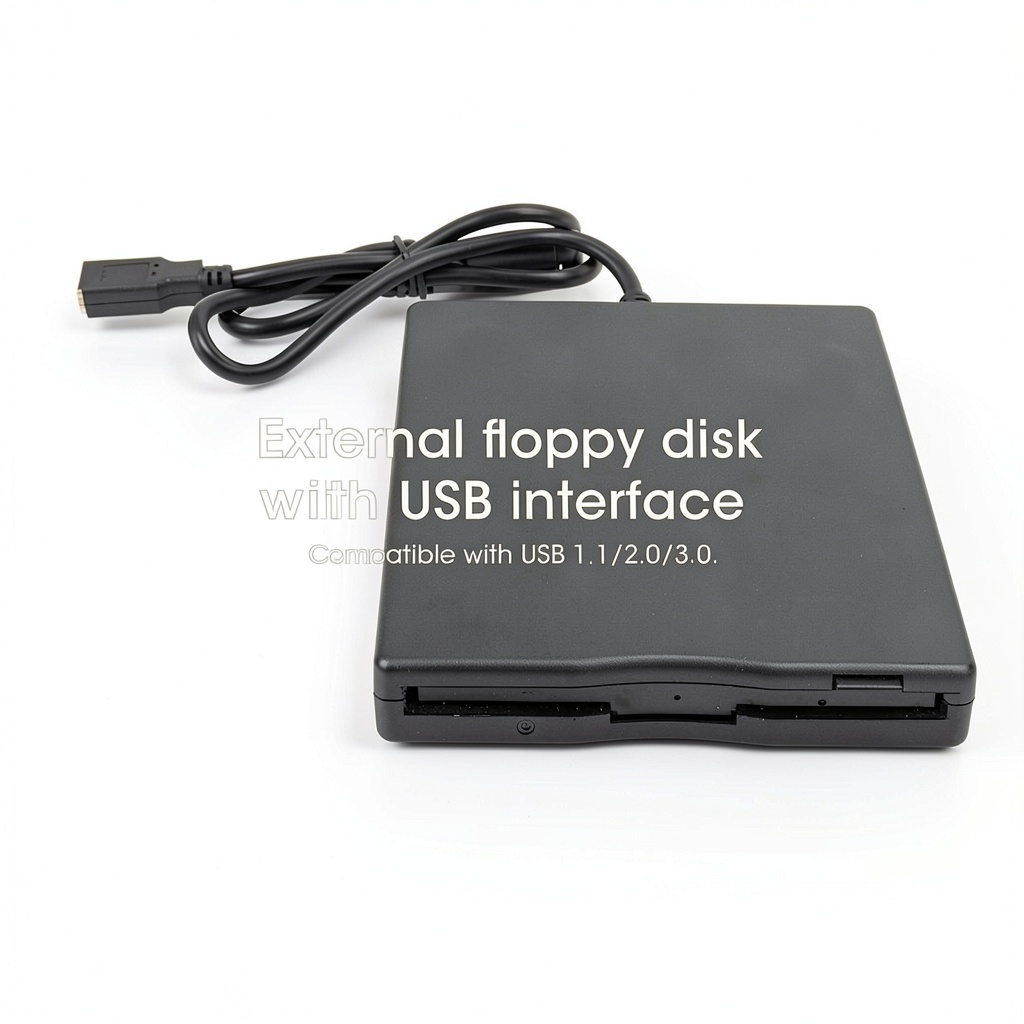
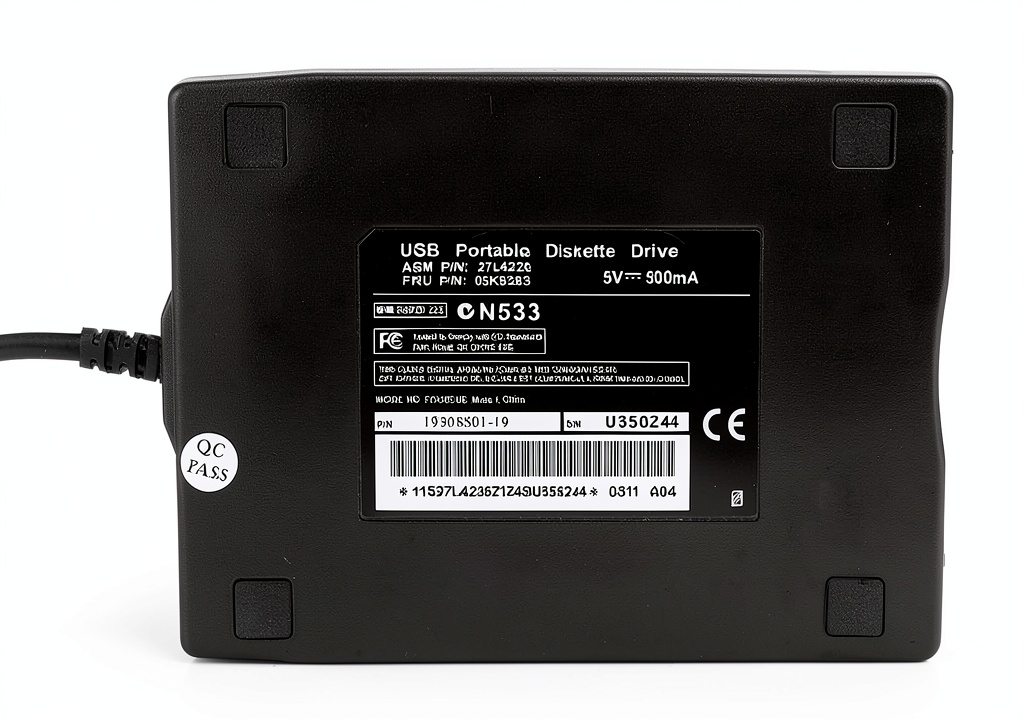
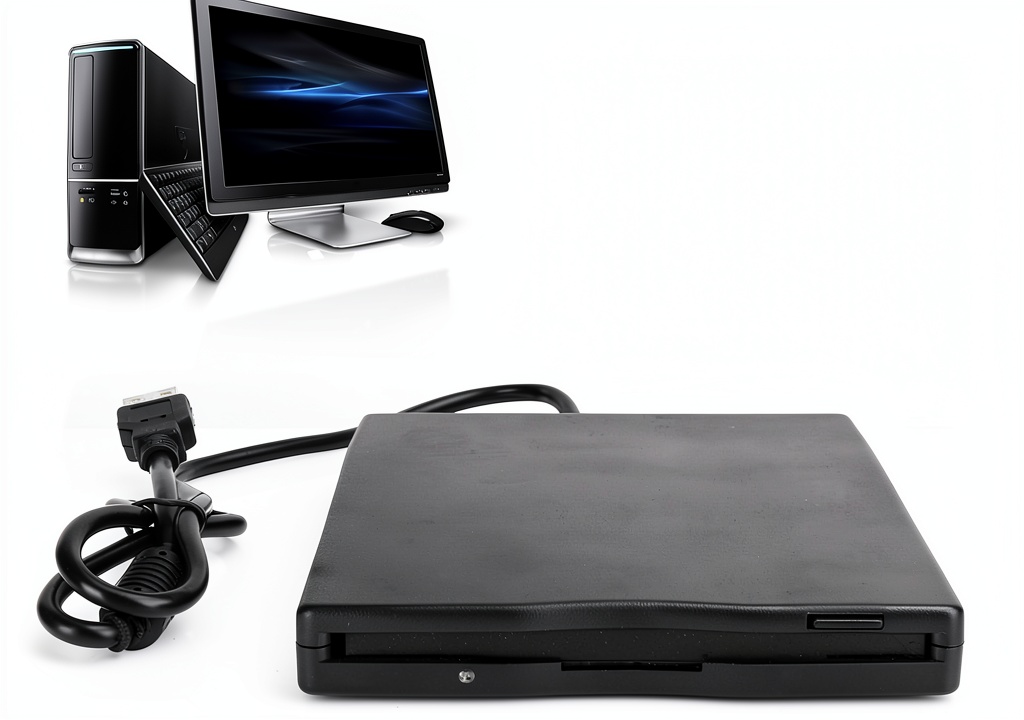
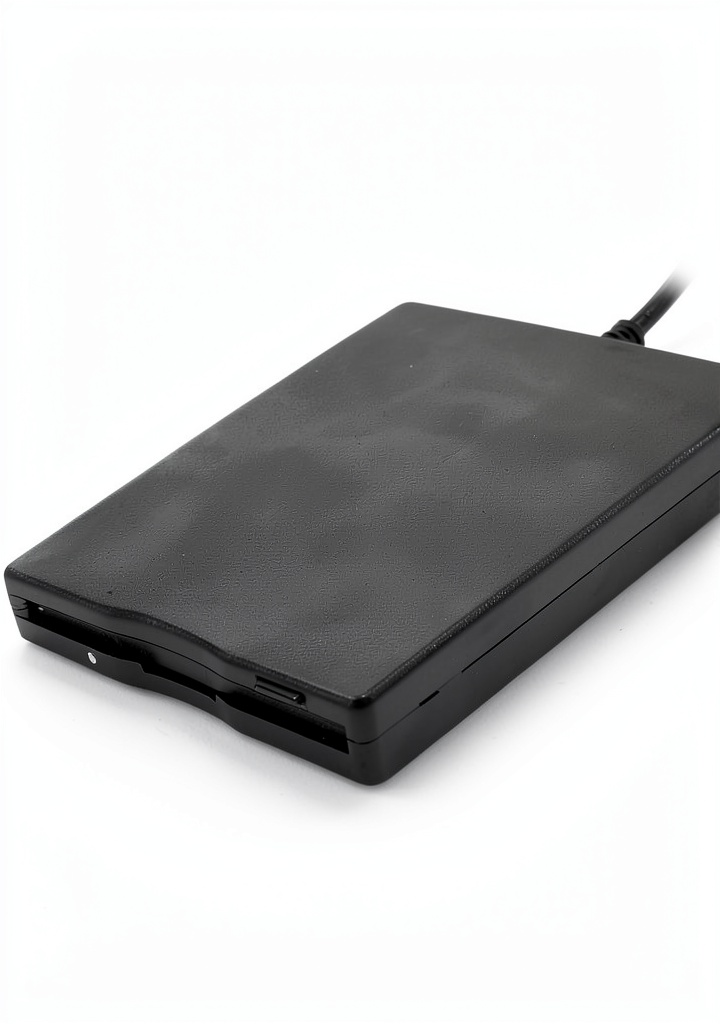
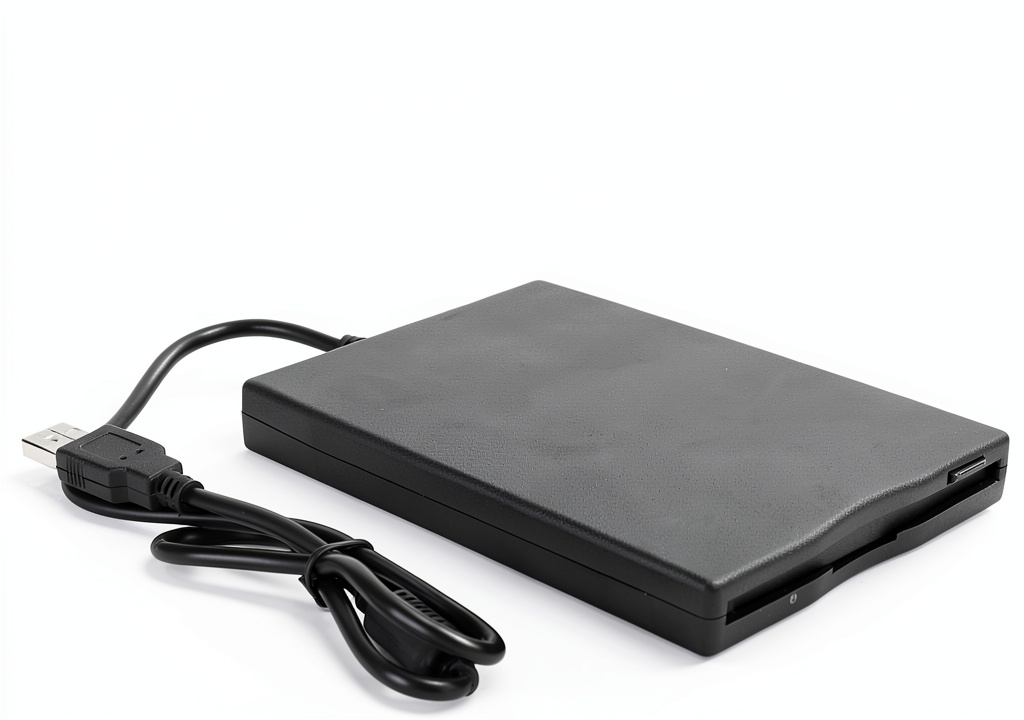
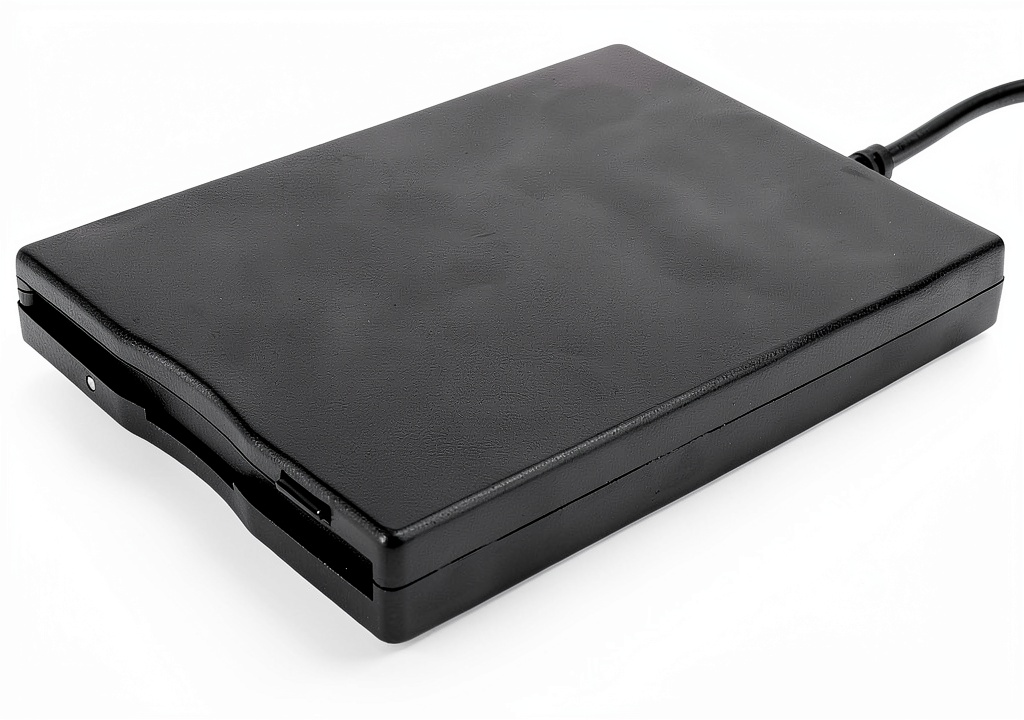
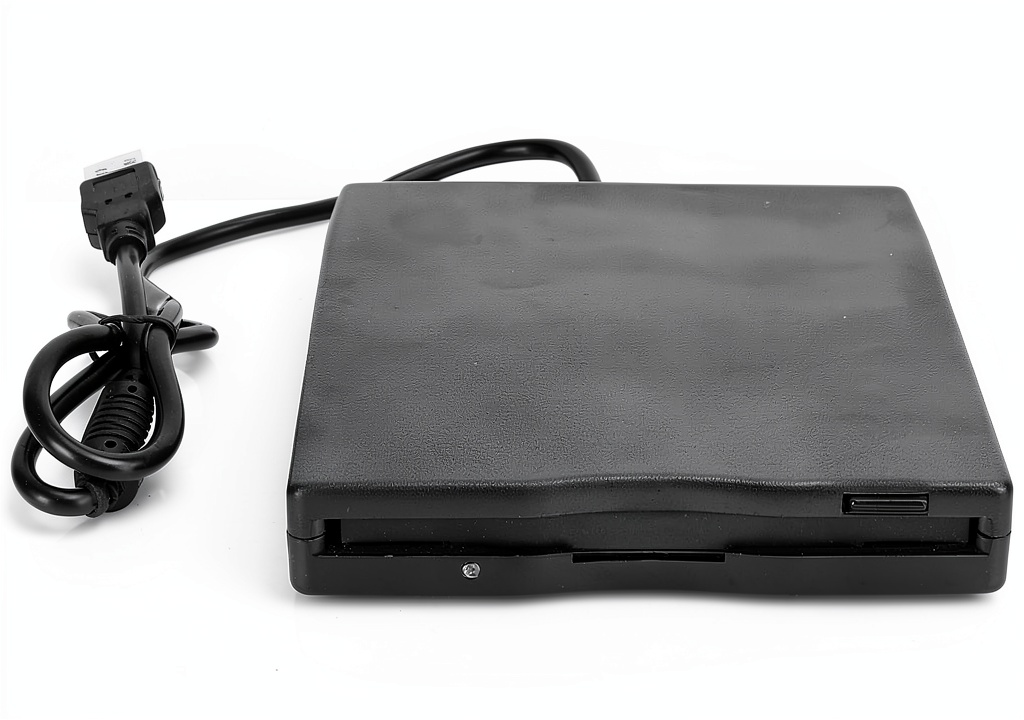
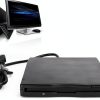
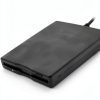
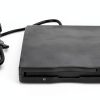
The Pilipane USB External Floppy Drive is a compact 3.5‑inch solution designed for both laptops and desktops. Constructed from high‑impact hard plastic, the unit weighs just 11.3 ounces, making it easy to transport. It operates via a standard USB 1.1/2.0/3.0 connection, drawing power directly from the port, so no external power adapter is needed. The drive supports read/write of 1.44 MB floppy disks and includes an anti‑jamming mechanism to protect older media.
Usage
This drive is perfect for IT professionals, archivists, and hobbyists who need to access legacy data on floppy disks. Whether you are restoring old software on a Windows 7 PC, transferring files from a vintage laptop, or simply need a portable solution for occasional floppy use, the Pilipane drive fits seamlessly into any USB‑enabled environment. 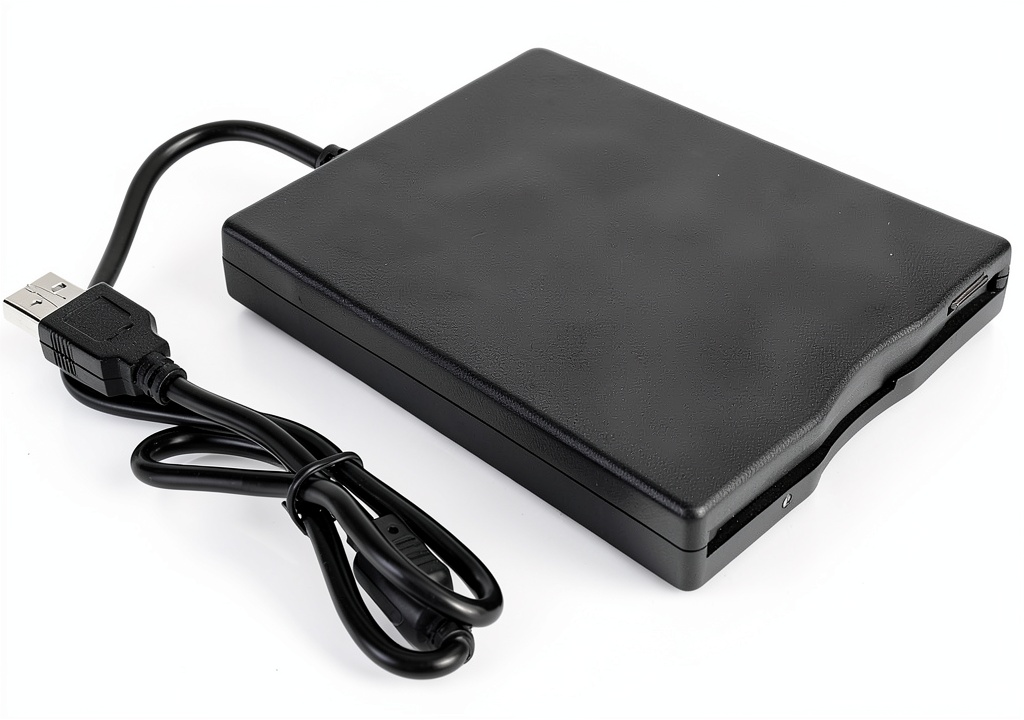
Why Choose Us
Pilipane combines durable construction with reliable performance. The anti‑jamming design reduces read errors, extending the life of both the drive and your disks. Plug‑and‑play functionality eliminates the need for driver installation, ensuring quick setup on Windows 2000, XP, Vista, 7, 8, and later versions. Our rigorous quality testing guarantees consistent operation, and the included user manual helps you get started instantly.
Key Features
- Ultra‑thin, lightweight design for easy portability
- Plug‑and‑play USB connection, no drivers required
- Supports Windows 2000‑8 and later operating systems
- Anti‑jamming technology for reliable disk handling
- Includes user manual and hard drive for immediate use
FAQ
Does this drive work with Mac computers?
The drive is primarily designed for Windows operating systems. While it may be recognized by macOS, full read/write functionality is not guaranteed.
Can I use a USB hub to connect the drive?
For optimal performance, connect the drive directly to a computer’s USB port. Using a hub may not provide sufficient power, leading to read errors.
What is the warranty period?
Pilipane offers a one‑year limited warranty covering manufacturing defects and hardware failures.
Is any software needed to read old floppy formats?
No additional software is required for standard 1.44 MB floppy disks. Specialized formats may need third‑party utilities.
How do I prevent disk jamming?
Ensure disks are clean and free of debris, insert them gently, and avoid using damaged media. The built‑in anti‑jam mechanism further reduces the risk.



 FYSUIMU Laboratory Notebook by FYSUIMU - Durable 1.57lb
Reviews
There are no reviews yet.